
4Fimo® Private by design

Message privately.
Move files directly.

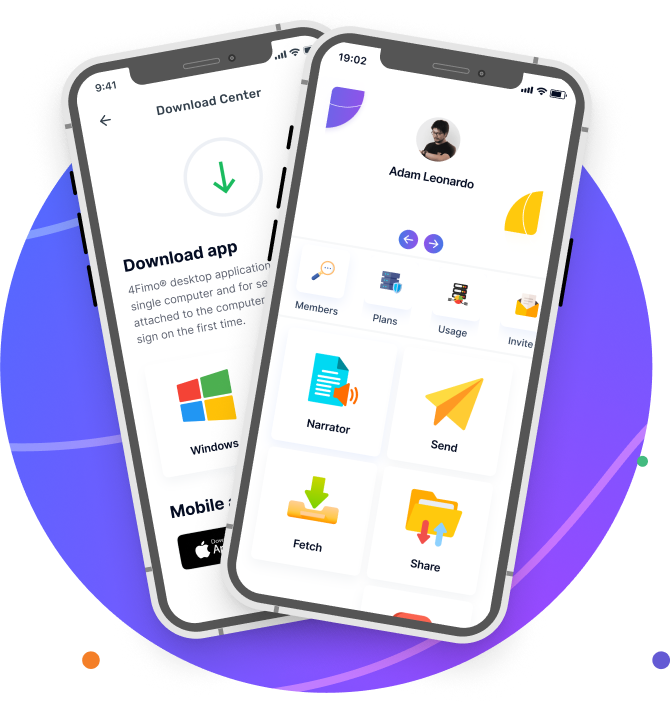
4Fimo® is a private messenger that connects your phone and browser to authorized desktop computers for direct file transfer and sharing. Hold private one-to-one or group conversations, then send, fetch, and share files with your connected computers and other members—without relying on permanent cloud storage.

The core experience is messaging and connected file movement. Additional tools include the optional Vault for files you intentionally keep available from anywhere, controlled public links, document narration, speech notes, media playback, and private image editing.

Start with a free account. Sign up now.

Private Messenger

Use private one-to-one and group conversations with replies, media, reactions, and time-limited messages.

Connected Transfer & Sharing

Connect your devices to authorized desktop computers, then send, fetch, and share files without permanent cloud storage.

4Fimo® private digital workspace across devices

4Fimo® Videos

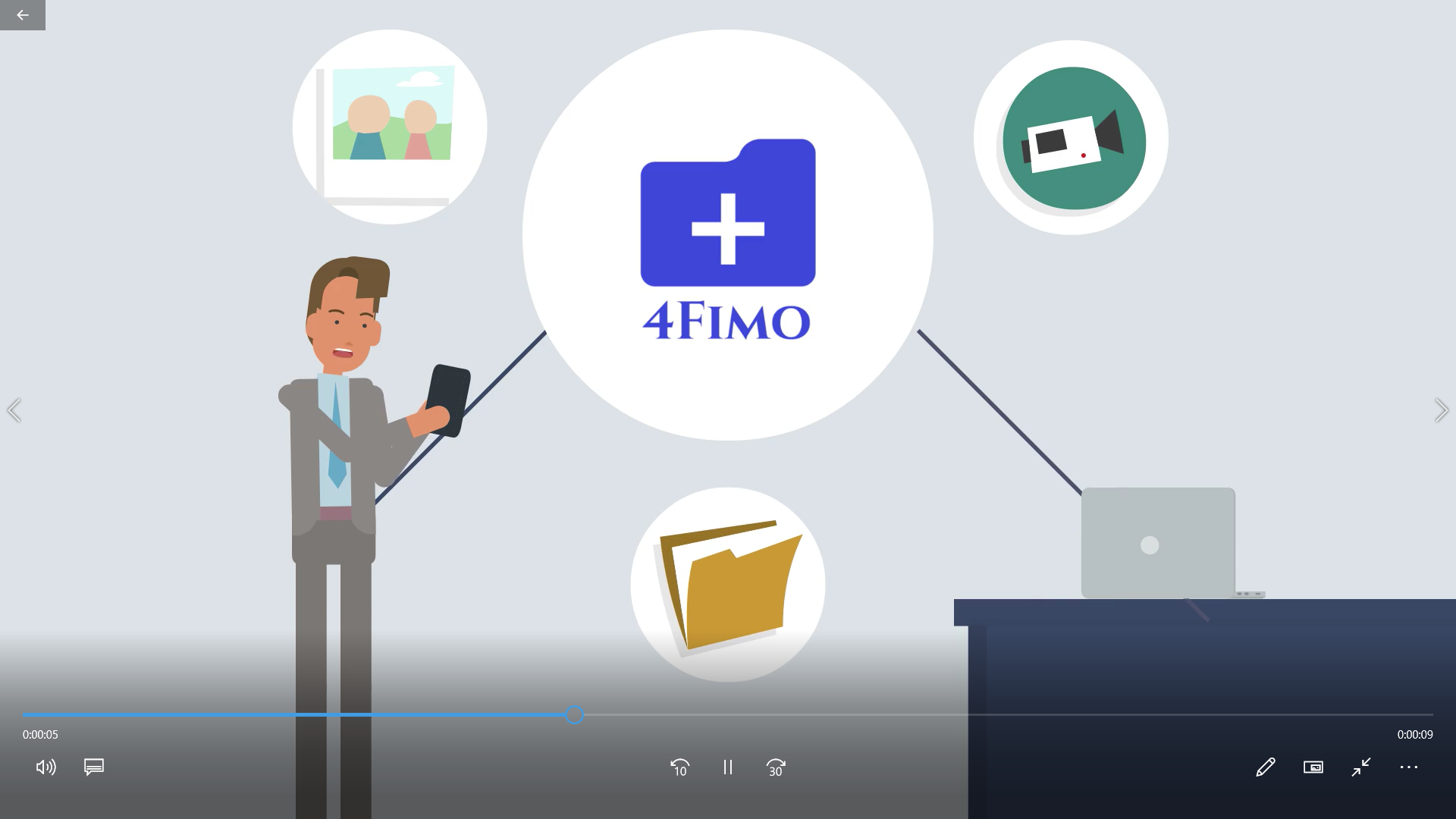
Watch these short videos to learn about 4Fimo®’s main features.

Overview

Overview

Send

Fetch

Share

Narrator

Main Features

Essential tools, organized around the way you work.

Messenger

Messenger

Use private one-to-one and group conversations with replies, media, reactions, and time-limited messages.

Send files

Send

Send images, videos, documents, and other files to a connected computer or member.

Fetch files

Fetch

Retrieve remote files through Explorer, Search, or My List on an authorized computer.

Private vault

Vault

Keep selected files and notes available from anywhere, preview supported documents, and manage plan-based storage.

Share files

Share

Share files with members, connected computers, or controlled public download links when enabled.

Document narrator

Narrator

Detect document language, select an available natural voice, and resume narration from your saved position.

Speech notes

Speech

Turn speech into dated notes that you can review and download as Word documents.

3D Image Studio

3D Image Studio

Apply dimensional effects to images and save the finished result from a private workspace.

Media playback

Media

Play supported audio and video with a consistent experience across devices.

Protection by Design

Access controls, protected connections, and clear retention.

Controlled Access

Account, session, and device checks help ensure that private tools and connected computers are available only to authorized members.

Protected Connections

Secure network connections and industry-standard encryption help protect communications and sensitive stored data.

Clear Retention

Temporary transfers expire, while content you intentionally save remains available until you remove it or its retention period ends.

Remote File Access

The 4Fimo® desktop application exposes only the folders you authorize. Browse or retrieve those files through Explorer, Search, or My List using the access controls configured for your connected computer.

Search

Look up files on your remote computer using a keyword or pattern.

My List

Use a predefined list of files created on your remote computer.

Explorer

Browse authorized remote folders and files in a structured tree view.

Frequently asked questions

What is 4Fimo®?

4Fimo® is a private digital workspace for messaging, direct file transfer, remote file access, optional Vault storage, controlled sharing, document narration, speech notes, media playback, and image tools across supported devices.

How many files can I send at once?

A Send request can include up to 200 files, with a maximum combined size of 19.5 GiB.

How does 4Fimo® protect access?

4Fimo® uses a security-first access model. Remote retrieval requires the controls configured in the desktop application, including a secondary passcode where applicable. Account, session, and device validation add protection beyond a username and password.

4Fimo® uses secure network connections and industry-standard encryption to protect communications. Sensitive stored data is also protected, and private application actions require a valid authenticated session.

When does 4Fimo® store my content?

Standard Send and Share transfers are not designed as permanent cloud storage. Files fetched from a remote computer may remain in a temporary secure location for up to 60 minutes so that you can download them, and you may remove them sooner. Signing out clears fetched files.

Some features intentionally retain content. Vault items remain available until you delete them and count toward your plan-based saved-storage allowance. Narrator documents, saved messages, pinned messages, and starred messages follow the retention and storage rules shown within those features.

Why are no remote search results appearing?

When you first start the desktop application, allow a few minutes for search indexing to finish. Then open Settings and add the appropriate directories to the Externally Accessible Folders list. This list is empty by default, so only received items are initially available to remote devices.

How much daily usage is included?

The free plan includes 10 MiB per day. Subscription plans—Basic, Professional, and Premium—provide different allowances for members with larger daily needs.